Mania Casinos App Download Guide for Android and iPhone
The term Mania Casinos App can mean a native install, a mobile shortcut, or a browser-based experience that behaves like an app. That matters because the safest download path depends on the device you use and the way the brand chooses to deliver mobile access. This guide explains the common options without assuming every phone handles them the same way.
If you are looking for the Mania Casinos App Download, the main goal is to avoid fake files, broken shortcuts, and login problems after installation. You will also see how the Mania Casinos Casino App experience usually works on Android and iPhone, plus what to check before you sign in for the first time.
Mania Casinos App Features and Mobile Gaming Experience
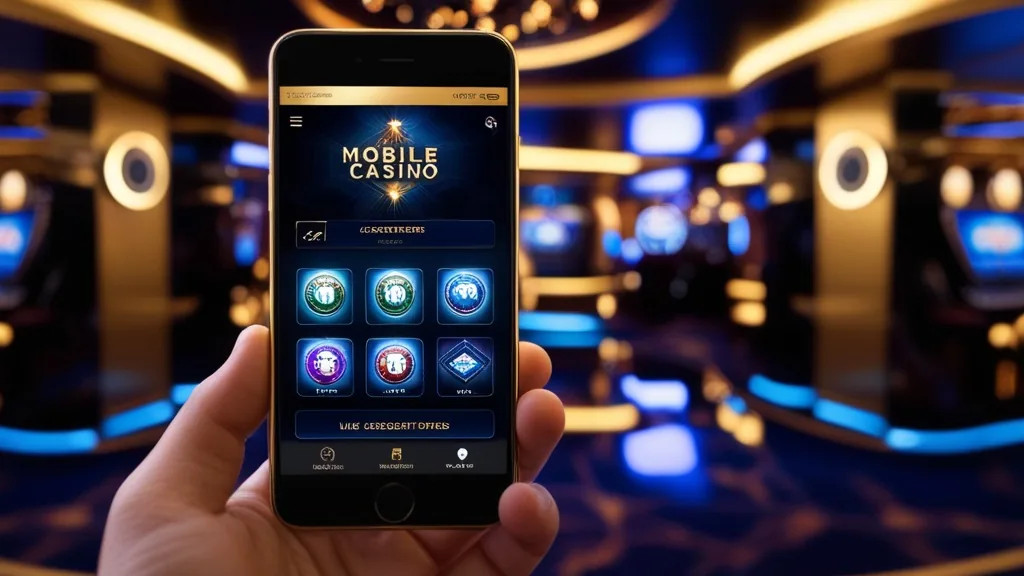
On a small screen, the strongest Maniacasinos App experiences keep the lobby simple, the buttons large, and the game categories easy to scan. Players usually notice mobile performance first: smooth scrolling, quick loading, and menus that do not hide the cashier or search tool. A good Mania Casinos App layout should make it feel easy to move from browsing to playing in only a few taps.
The Mania Casinos Casino App experience also depends on how well live tables, slots, and account tools share the screen. If the interface is cluttered, players spend more time pinching and zooming than actually using the app. A cleaner mobile design usually feels faster even when the internet connection is the same, which is why layout matters so much on phones.
What features matter most on a phone?
When people judge Maniacasinos Casino App performance, they usually look at the lobby, the search bar, and access to favourites first. Those three things decide whether the app feels convenient or frustrating during a quick session. If the interface loads those tools immediately, it becomes easier to move between games without losing your place.
A strong Mania Casinos App mobile layout should also keep account details close at hand, especially the cashier and recent activity tabs. That saves time when you want to check a balance or return to a game later. It also helps if the same design works well in portrait mode, because most players hold their phones that way.
Does mobile play feel different from desktop?
The Mania Casinos Login App experience usually feels more focused than desktop because the screen shows only the essentials. That is helpful for short sessions, but it can also mean fewer visible menus at once. When the mobile layout is built well, the reduced clutter actually makes the site easier to use.
A neat Maniacasinos App Download setup should still let you reach the same account tools you would expect on a bigger screen. The difference is mostly in navigation speed and display size, not in the core purpose of the account. For many players, that smaller interface feels more practical when they just want to log in and play quickly.
How to Download Maniacasinos App on Your Device
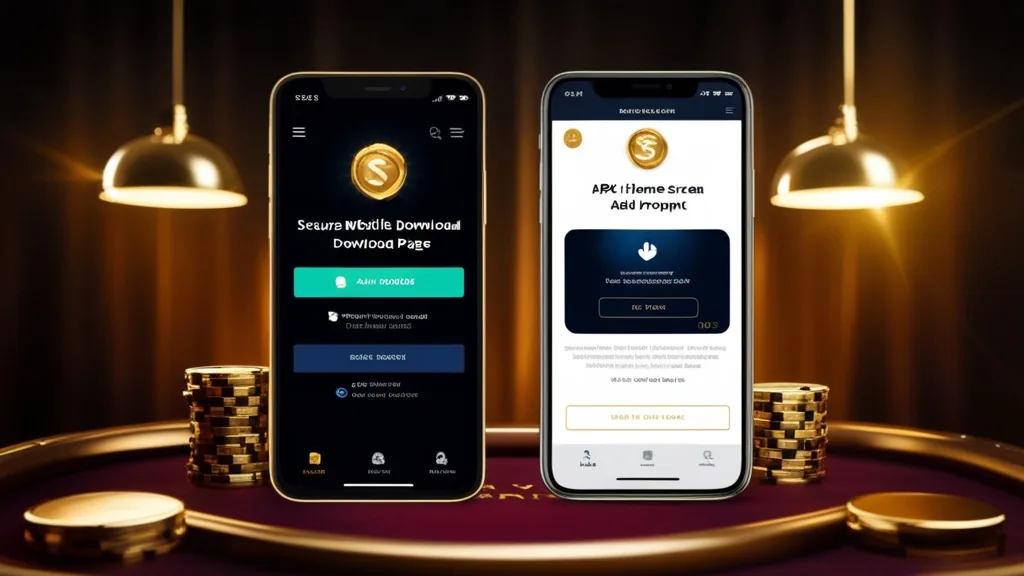
On Android, the Maniacasinos App Download route often starts in a browser rather than an app store, especially if the brand offers an APK or a shortcut-based mobile setup. On iPhone, the process is usually different because Safari may be used to create a home-screen icon, or the brand may guide users to another approved mobile path. Either way, the first step is always to confirm you are on the official source. Learn more about Panda Mania Casinos.
The safest Maniacasinos Casino App downloads are the ones that match your device instead of forcing one file type on every phone. A proper mobile install should not ask for unusual permissions or send you through random mirrors and third-party pages. If the source looks unclear, it is smarter to stop and check before installing anything.
What should Android users check first?
Before starting a Mania Casinos App install on Android, check whether the download comes from the official mobile page and not from a copied listing. You should also make sure your browser and operating system are reasonably up to date. That reduces the chance of the APK failing halfway through the process.
The Mania Casinos App Download should only continue if the file size and prompt look consistent with a normal mobile install. If Android warns about unknown sources, that is the point where you should slow down and confirm the page again. A trusted file should still be easy to identify without guessing.
How can iPhone users add the app experience?
On iPhone, a Maniacasinos Login App style experience often comes from Safari’s home-screen option rather than a classic APK. That means the page opens in a browser first, then behaves more like an app after the icon is saved. It is a simple process, but it only works cleanly when you follow the steps in the right order.
If the brand offers a web shortcut or an approved listing, the Mania Casinos Login App flow should keep the login screen close and easy to reopen later. This is useful for returning players who want a faster route back to their account. If the page does not offer that option, the mobile browser may still be the safest way to play.
A practical Mania Casinos App Download flow usually starts on the brand's mobile page, not inside an app store search.
- Open the official mobile page for Mania Casinos App on your phone browser.
- Choose the Android file, iPhone shortcut, or browser-based option shown on the page.
- Confirm any browser prompt, permission, or home-screen request before continuing.
- Complete the install or save the shortcut, then wait for the icon to appear.
- Open the app or shortcut, sign in, and make sure the lobby loads normally.
If anything looks different from these steps, recheck the source before you continue with Maniacasinos App files.
Mania Casinos Login App Access and Account Setup
A Mania Casinos Login App should make account access feel quick, but it still depends on the same basics as the desktop site: correct username or email, the right password, and a stable connection. Most login issues are simple, not dramatic, and they usually come from typing mistakes or cached sessions. That is why setup is just as important as the sign-in screen itself.
With the Mania Casinos App, the first login often works best when the password manager, browser autofill, and account recovery email are already in good shape. If those three things are organised, returning to the account later becomes much easier. It also helps to know whether the session is temporary or whether the device is set to remember you.
What details do you need to sign in?
The Maniacasinos Login App usually asks for the same basic credentials you would use on the website: an email address or username and a password. Some accounts may also use an extra verification step, especially after a new device is detected. That extra check is there to reduce account sharing and keep the session secure.
When you set up the Mania Casinos App on a new phone, it is worth confirming that your email inbox is accessible before you try to log in. Password resets and verification messages are much easier to handle when you can check them right away. A clean first sign-in often prevents future access problems as well.
How do you recover a forgotten password?
If the Mania Casinos Login App rejects your details, the password reset option is usually the cleanest fix. Before resetting anything, check for caps lock, hidden spaces, and any old autofill data that might be filling the wrong password. Small typing issues cause more failed logins than account problems do.
A Maniacasinos App reset should be done from the official account screen, not from a random message or copied support page. Once the password changes, wait for the confirmation message and then log in again using the new details. If the app remembers the old password, clear the saved entry so it does not keep repeating the same mistake.
How do you stay signed in safely on mobile?
A Maniacasinos Casino App can feel more convenient when the device remembers your session, but that convenience should never come at the cost of security. Biometric unlocking, if offered, is usually safer than leaving the account open on a shared device. It lets you return faster without exposing the password every time.
With the Mania Casinos Login App, the safest habit is to sign out on borrowed phones and avoid storing passwords in places other people can access. If you use a private device, a password manager can help, but it should still be protected with a device lock. The goal is quick access without creating an easy entry point for someone else.
Maniacasinos Casino App Compatibility, Security, and Regular Updates
The Maniacasinos Casino App experience can change a lot depending on the age of your phone and the browser you use. A recent Android build or iPhone model usually handles mobile gaming more smoothly than an older device with limited memory. That matters because live tables, animations, and account pages all need space to load properly.
Regular updates also shape the Mania Casinos App Download experience because they can fix bugs, improve loading times, and adjust how login pages behave. Even if the design looks the same, the version underneath may be doing a lot of work to keep things secure and stable. That is especially important if you use mobile gaming often instead of only occasionally.
Which devices and browsers work best?
A Mania Casinos App generally behaves best on a current device with an updated browser and enough storage for media-heavy pages. If your browser is outdated, game lobbies and cashier pages may load slowly or display oddly. Newer phones also tend to manage live video streams more comfortably.
The Maniacasinos App experience is usually smoother when background apps are closed and the battery saver is not throttling performance. That does not mean older devices cannot work, but it does mean they may need more patience. If the interface starts lagging, the browser or device version is often part of the answer.
How does the app protect your account?
A Mania Casinos Login App should always rely on secure page connections, careful password handling, and limited permissions. It should not request access to unrelated data or ask you to install tools that have nothing to do with mobile gaming. If the permission request feels unnecessary, that is a warning sign worth checking.
The Maniacasinos Login App also benefits from simple habits like using a unique password and avoiding public Wi-Fi for account actions. A secure connection is useful, but account safety improves when the device itself is protected too. Keeping software updated reduces the chance that old browser bugs interfere with login or payments.
Why do regular updates matter?
A Mania Casinos Casino App update often fixes small issues that players notice only after repeated use, like slow loading or a button that stops responding. These changes may seem minor, but they can have a big effect on how reliable the app feels. A better update process usually means fewer interruptions during a session.
The Mania Casinos App Download process may also change after an update, especially if the brand improves the way shortcuts, logins, or security prompts work. That is one reason to avoid keeping an old version around for too long. Updates can make the app feel lighter, faster, and more predictable on both Android and iPhone.
| Area | Android | iPhone | Why it matters |
|---|---|---|---|
| Browser support | Latest Chrome or another updated browser | Latest Safari or another updated browser | Reduces loading errors and login issues |
| Install route | APK or web shortcut if the official page offers it | Home-screen shortcut or approved listing if available | Determines how the mobile setup is created |
| Security checks | Verify the source and review permissions carefully | Verify the source and review site permissions carefully | Helps reduce fake-download and spoof-page risks |
| Update handling | Refresh the shortcut or install the newer official file | Use the approved update path or refresh the mobile page | Keeps fixes, stability, and login flow current |
Mania Casinos App Troubleshooting for Installation and Login
Most Mania Casinos App problems come down to storage, permissions, browser cache, or a version that is no longer cooperating with the phone. That means the fix is often practical rather than technical. Before reinstalling everything, it usually helps to rule out the easy causes first.
Login errors in the Maniacasinos App Download flow can also come from tiny issues like a typo, outdated autofill, or a VPN changing your location unexpectedly. Those problems are annoying, but they are usually fixable in minutes. The trick is to work through them in a steady order instead of guessing.
What should you try when installation stalls?
If the Mania Casinos App Download stops halfway, clear some storage and try again from the official mobile page. A browser cache that is too full can also interrupt the process, so refreshing the page in a clean session often helps. On Android, you may need to confirm the install permission one more time before the file will open.
When the Maniacasinos Casino App will not finish setting up on iPhone, close the page, reopen it in Safari, and repeat the home-screen step from scratch. Small browser glitches can make a good install look broken when it is actually waiting for the prompt again. If the icon appears but does not open, restart the phone before trying more drastic fixes.
Why does login fail after a successful install?
A Mania Casinos Login App can still reject your details even if the installation itself went perfectly. In that case, the first thing to check is whether the password is current and whether the email address is typed exactly as registered. A reset often solves the issue faster than repeated manual attempts.
The Maniacasinos Login App may also struggle if your phone is forcing an old autofill entry or if a VPN is confusing the location check. Turning off the VPN, updating the time and date, and trying again from a normal browser session can make a big difference. If you recently changed your password, allow a moment for the new details to sync across the account system.
When should you reinstall or seek support?
If the Mania Casinos App keeps crashing after basic troubleshooting, the file may be corrupted or the shortcut may be outdated. Reinstalling from the official source is usually more effective than repeatedly reopening the same broken session. That gives the app a clean start and removes any damaged cache from the device.
When the Maniacasinos App still refuses to behave after reinstalling, the issue may be tied to the account rather than the device. At that point, use the help area or support tools inside the account and describe exactly what you tried. Clear details make it easier for support to separate a device problem from a login or profile issue.
These quick checks solve many Mania Casinos App problems before you resort to a full reinstall.
- Close the browser, clear cache, and reopen the official mobile page.
- Free up storage space so the installation has room to complete.
- Disable VPN or location-changing tools before trying Mania Casinos Login App again.
- Recheck your username, email, and password for typing mistakes.
- Restart the phone if the icon appears but the app still will not open.
If the same error keeps returning after these steps, it is usually time to rebuild the setup from the official Maniacasinos Login App source.